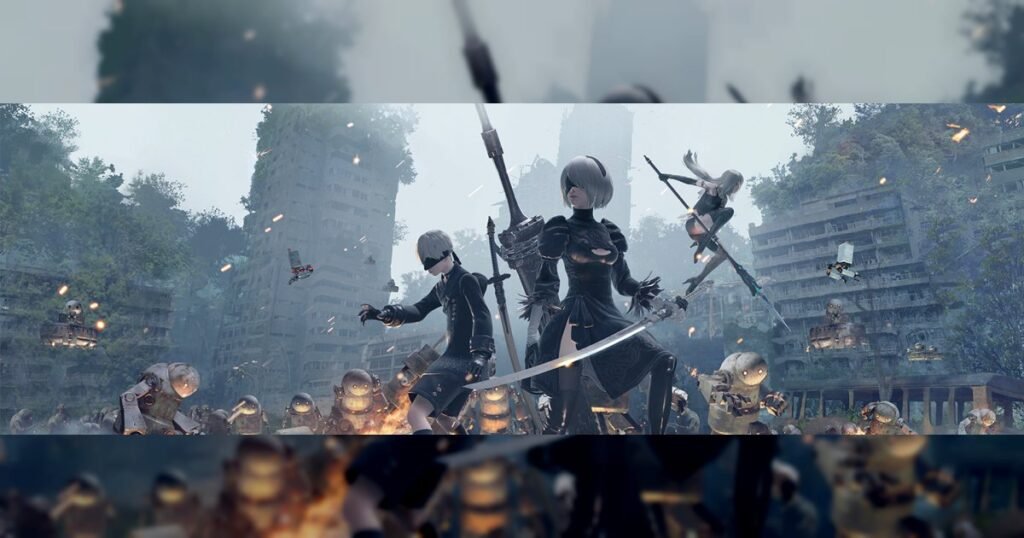
Nier: Automata has encountered an unusual problem. A recent update intended to expand localization options has instead expanded the game's digital footprint to a startling 366GB. Square Enix is currently investigating what went wrong and is working on a fix.
Table of contents
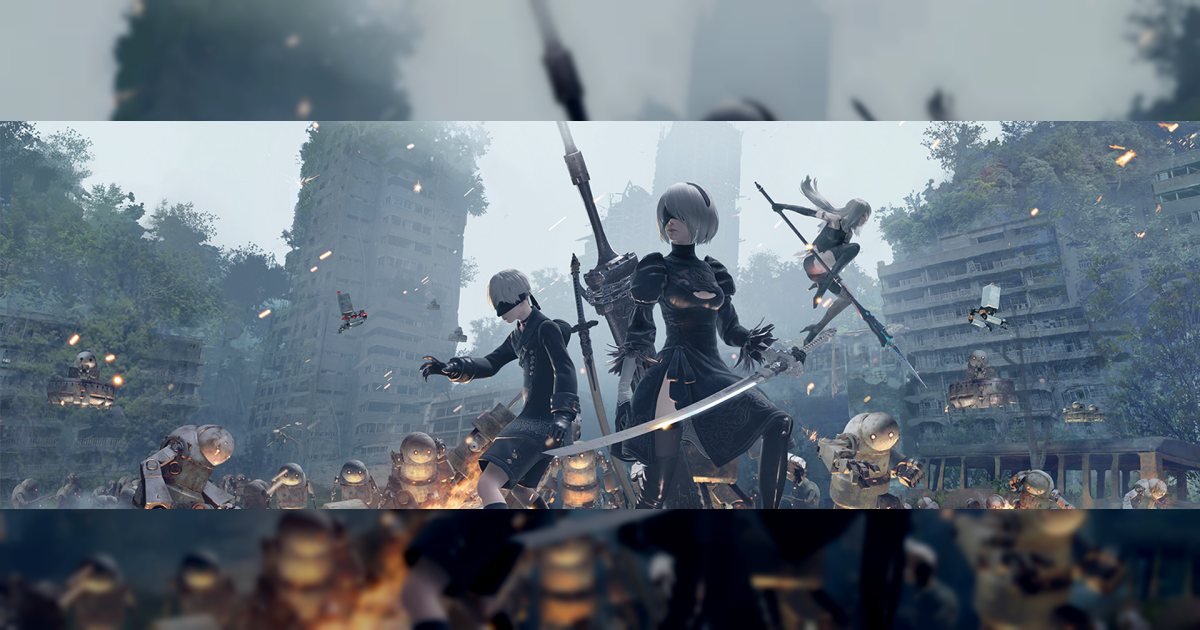
New Update Causes Huge File Size in Nier: Automata
The recent update for the game was supposed to add new language support, including Simplified Chinese, Traditional Chinese, and Korean. However, it unexpectedly increased the game's file size from 50GB to a hefty 366GB. This has raised concerns among users, who are now faced with storage issues.
Square Enix addressed the issue in a Steam post, acknowledging the excessive storage requirement. The developer promised to investigate and resolve the problem. While specifics of how the error occurred remain unknown, some speculate that the game's DLC may be involved.
For those needing to download the game, Square Enix suggests a workaround. Users should deselect all DLCs during installation to avoid the bloated file size. This approach allows players to install only the base game, which retains a more manageable size.
Potential Link to Game's DLC
The colossal file size may be linked to a problem with the title's DLC. Oddly, when users select the DLC for download, each one appears to be as large as the entire base game. This anomaly has led to the enormous installation size.
Once the game is fully installed, the size reportedly decreases back to around 50GB. This suggests that the issue arises during the download and installation process rather than affecting the stored game files. Understanding this glitch is crucial for a permanent fix.
Currently, players are advised to avoid downloading DLCs to prevent this file size inflation. This temporary solution helps keep the game within a reasonable storage space, maintaining functionality without the extra burden.
The Future of Game Sizes?
This unexpected file size increase could be a look into the future of gaming. With modern games frequently exceeding 100GB, the trend towards larger sizes is inevitable. Titles like Call of Duty have already surpassed 200GB.
One of the largest installations recorded is DCS World, which hit 250GB in 2021. This highlights a growing concern within the gaming community about storage space. If these trends continue, players will need more substantial storage solutions.
While this game's file size expansion was accidental, it serves as a reminder to developers and players about the potential scale of future games. Storage space and efficient data management will become increasingly vital.
Square Enix's Response to the Issue
Square Enix has publicly acknowledged the file size problem and is committed to finding a resolution. The company apologized for the inconvenience caused to players. Their transparency regarding the issue is appreciated by the community.
While the exact cause is still under investigation, the temporary workaround provides a viable short-term fix. Square Enix's quick response demonstrates their dedication to player satisfaction, though a permanent solution is still needed.
Overall, the company has handled the situation with a prompt acknowledgment and immediate advice for affected users. Players are encouraged to keep an eye on updates from Square Enix for further developments.
Avoiding the File Size Glitch
To prevent the ballooned file size issue when downloading the game, players should follow Square Enix's temporary workaround. By deselecting all DLCs during download, the installation size can be contained to around 50GB.
This strategy is a stopgap measure until a full fix is developed. It ensures players can continue to enjoy the game without overloading their storage. Those affected should regularly check for updates from Square Enix as they work to resolve the glitch.
Staying informed about this and similar issues can help players manage their digital libraries effectively. As games grow larger, new challenges in storage management will undoubtedly emerge.
Key facts at a glance
- Original File Size: 50GB
- New Inflated Size: 366GB
- Number of DLCs: Eight
- Language Support Added: Simplified Chinese, Traditional Chinese, Korean
- Temporary Fix: Deselect DLC during download
Frequently asked questions
Why did Nier: Automata's file size increase to 366GB?
The file size increased due to a recent update meant to add language support. It's speculated that the game's DLC may have contributed to the problem, but Square Enix is investigating the exact cause.
How can I avoid the Nier: Automata file size issue?
To avoid the file size issue, players should deselect all DLCs during the download process. This lets the base game install at its intended size of approximately 50GB.
Is Square Enix addressing the Nier: Automata update bug?
Yes, Square Enix is aware of the issue and is actively investigating it. They've suggested a temporary workaround and apologized for the inconvenience caused to players.
What to do next
For up-to-date information about the file size issue, stay in touch with the gaming community and monitor announcements from Square Enix. As developers work towards resolving this glitch, players should apply the suggested workaround to manage their storage effectively. Keep an eye on related gaming news to anticipate future challenges in storage management.
More crossplay and gaming news
All news · Browse all crossplay game guides
Source: PC Gamer